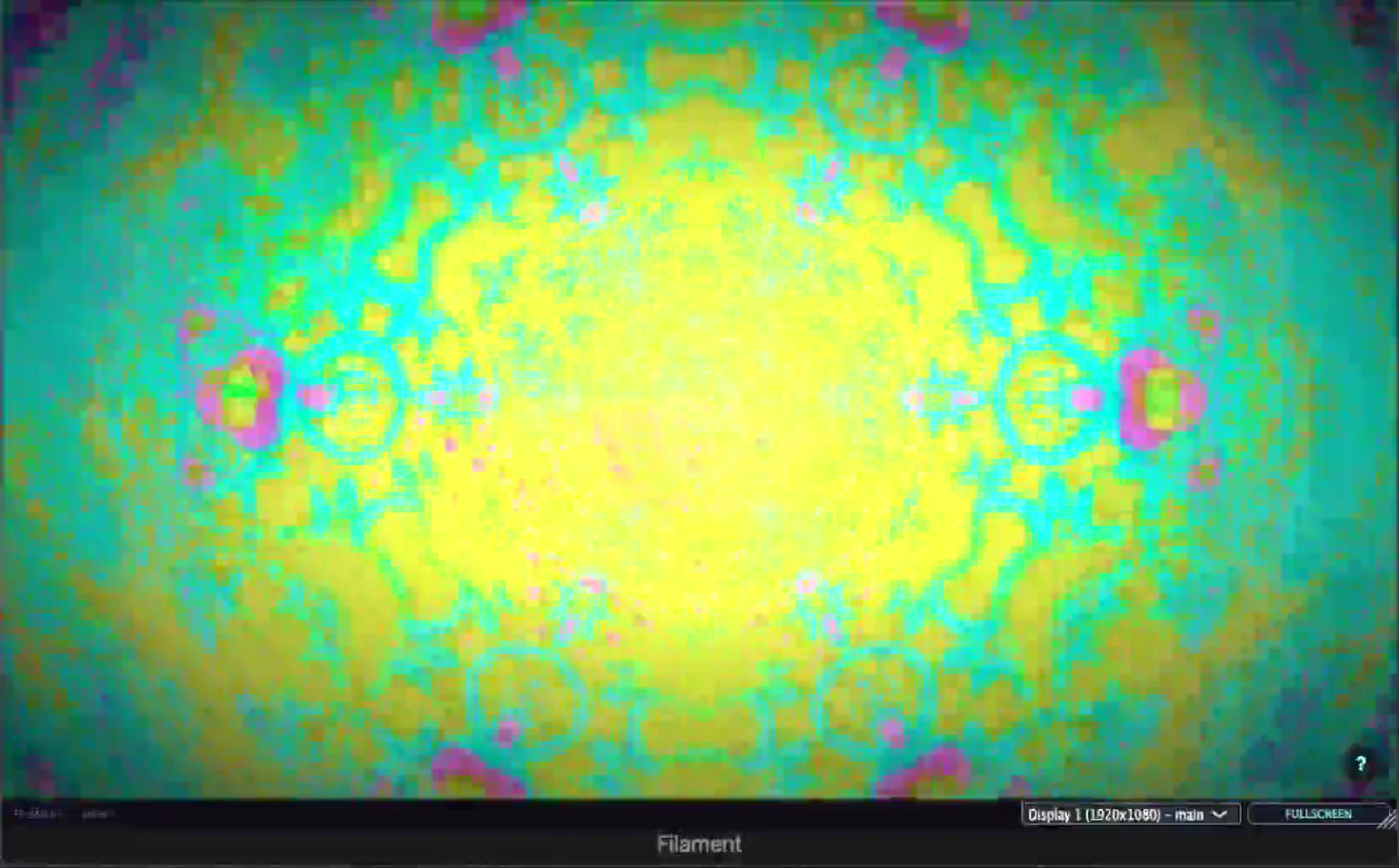
 2:58 · one take
Watch it run for real
Three minutes of a track playing through the plugin inside Logic Pro, with the iPad remote running in sync beside it. Captured on a 2018 Intel Mac mini in Low GPU mode, in one pass, with nothing added afterwards.
- Both screens locked to the same moment
- Every move written as DAW automation
- Straight screen capture, no edit, no render
Visuals That Go Viral
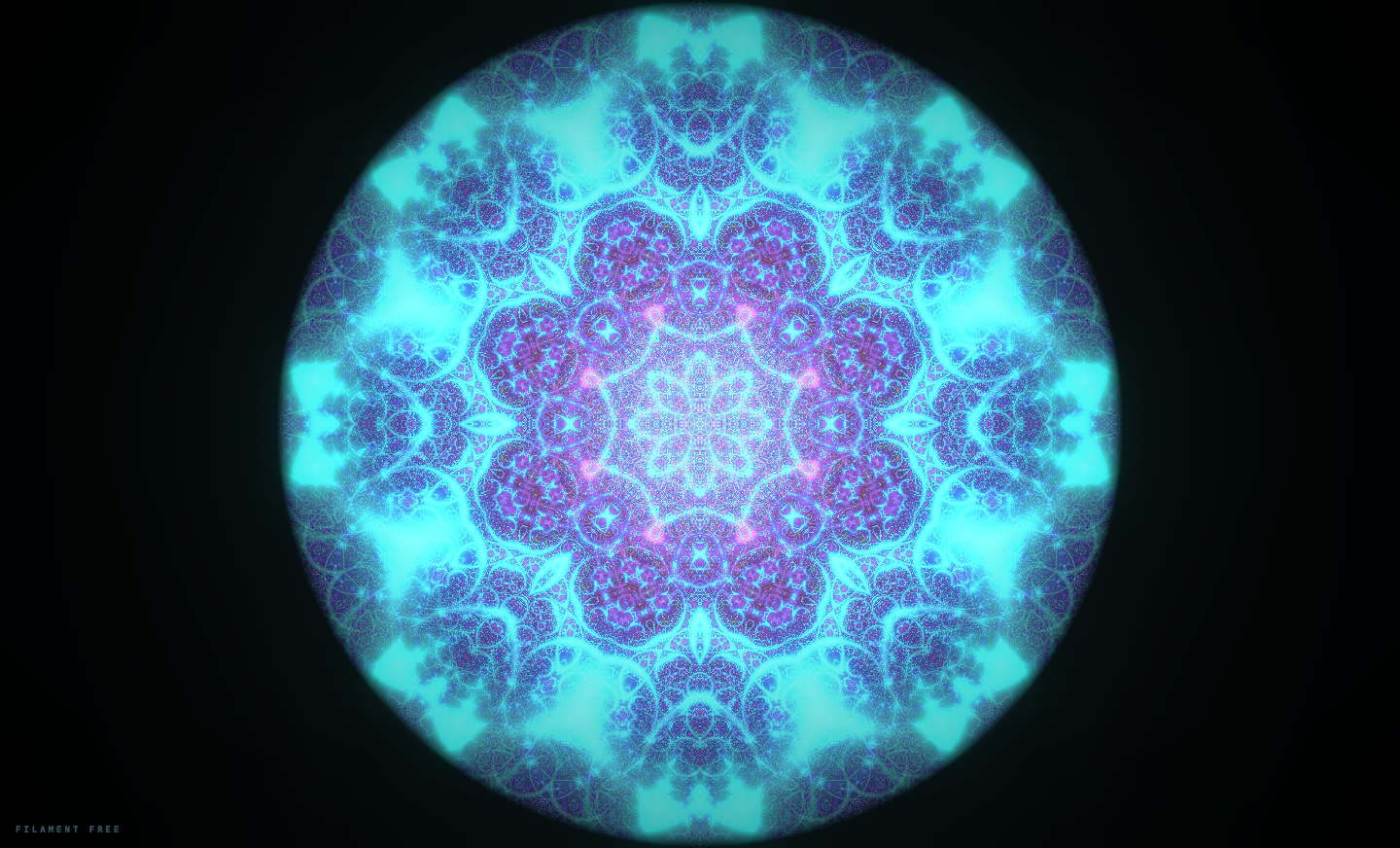
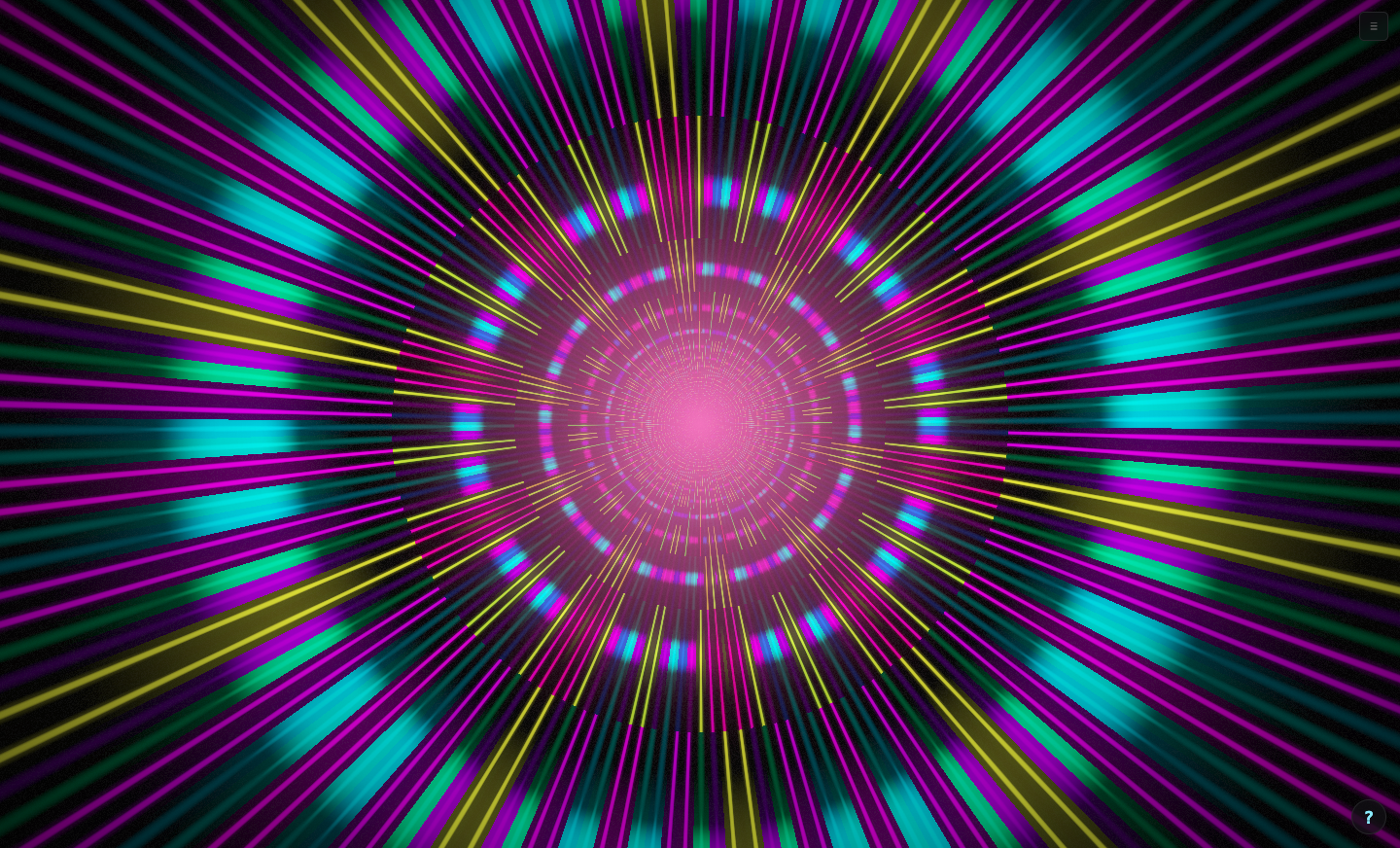
Seven kaleidoscope shader modes that turn any music into mesmerizing, symmetrical patterns. Crystal, Mandala, Stained Glass - each one a visual trip.
- 7 kaleidoscope fragment shaders
- Real-time audio frequency mapping
- 4 color palettes with auto hue wander
- Every frame is screenshot-worthy
Infinite Zoom, Zero Lag
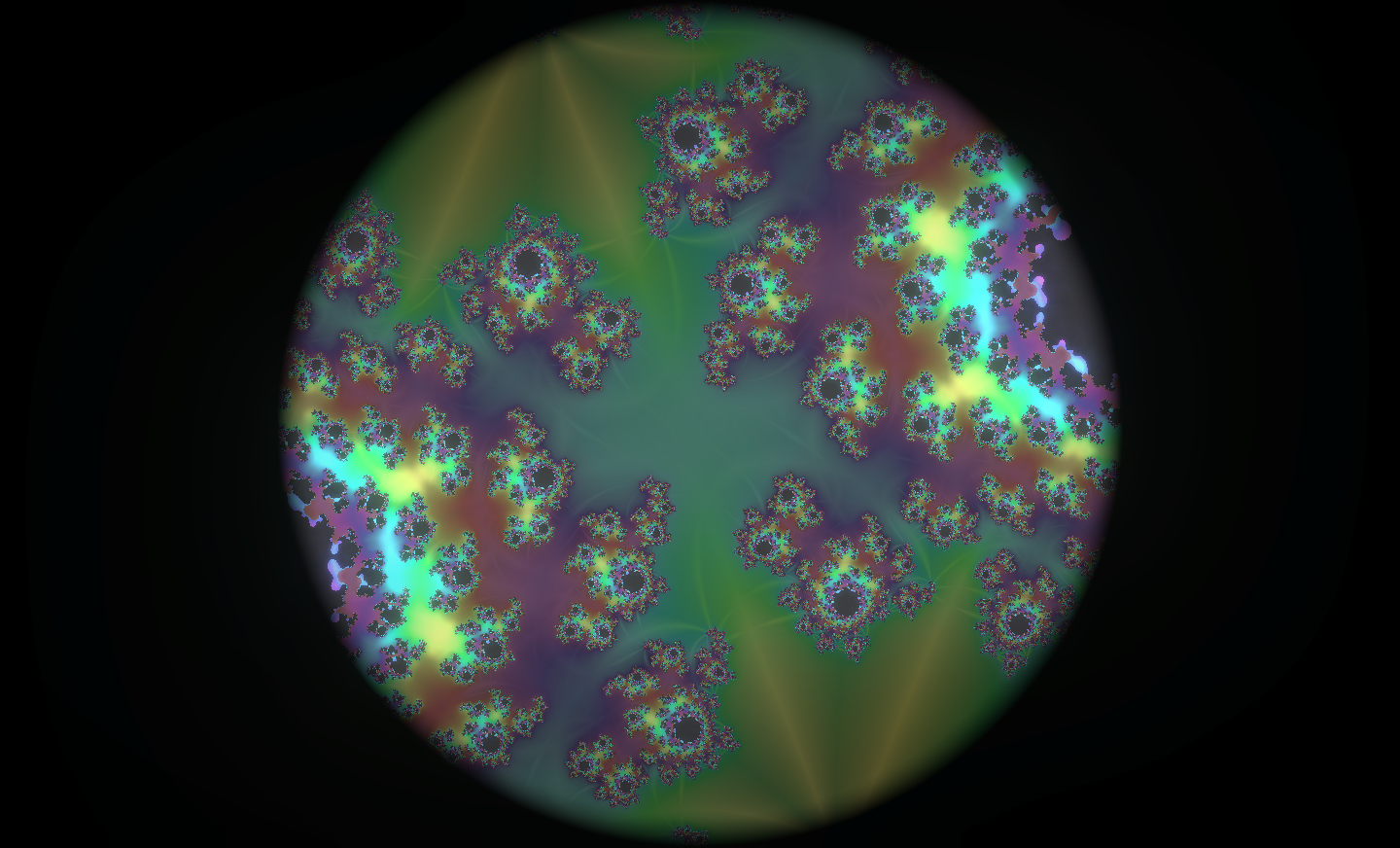
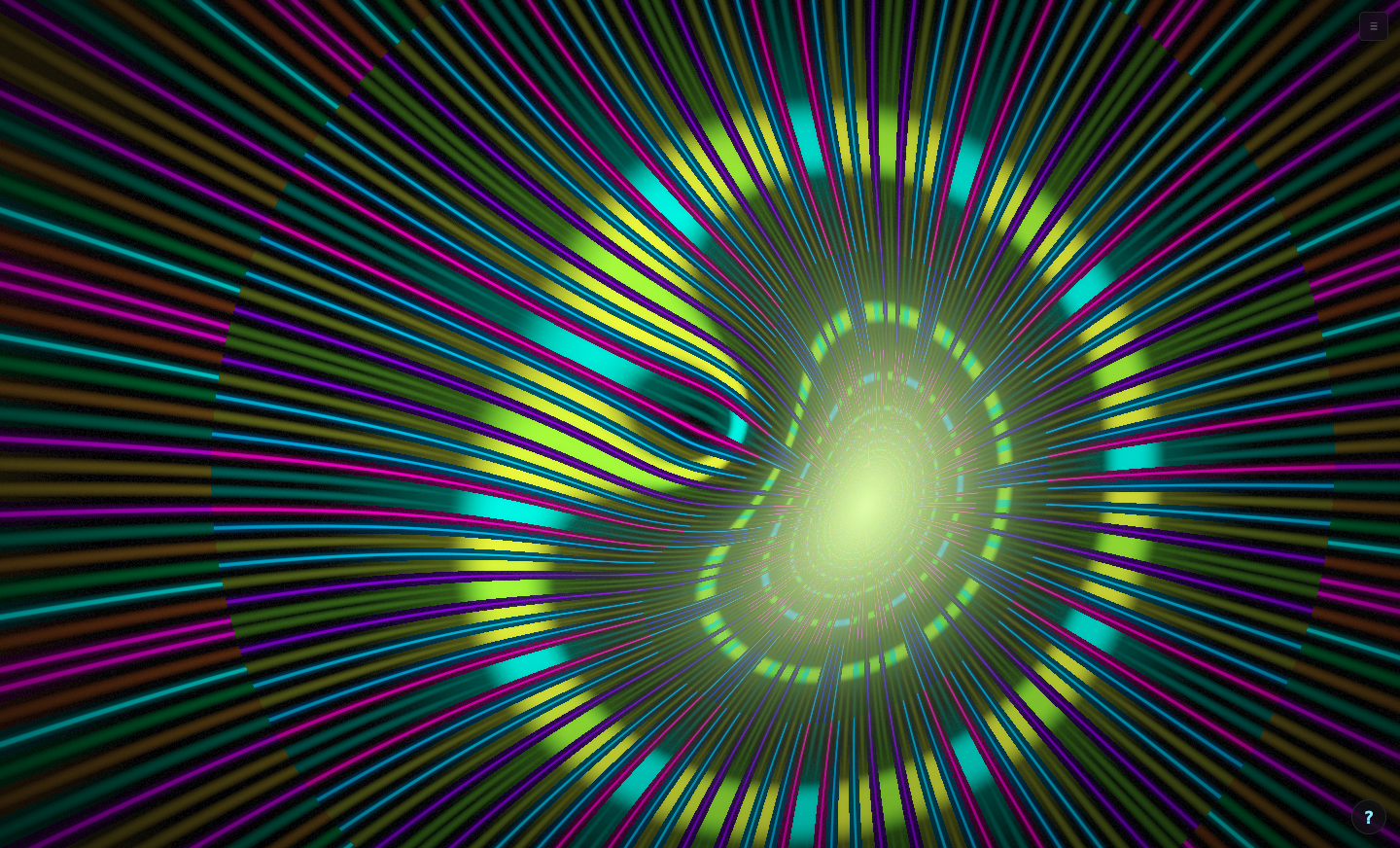
8 hand-picked fractal zoom modes that react to your music. Mandelbrot, Julia Rose, Inferno, Sapphire - rendered in real-time GLSL with audio-driven zoom depth.
- 8 fractal fragment shader modes
- Audio-reactive zoom accumulator
- Smooth ping-pong zoom cycles
- 60fps even at 12x zoom depth
Four Engines. Endless Visuals.
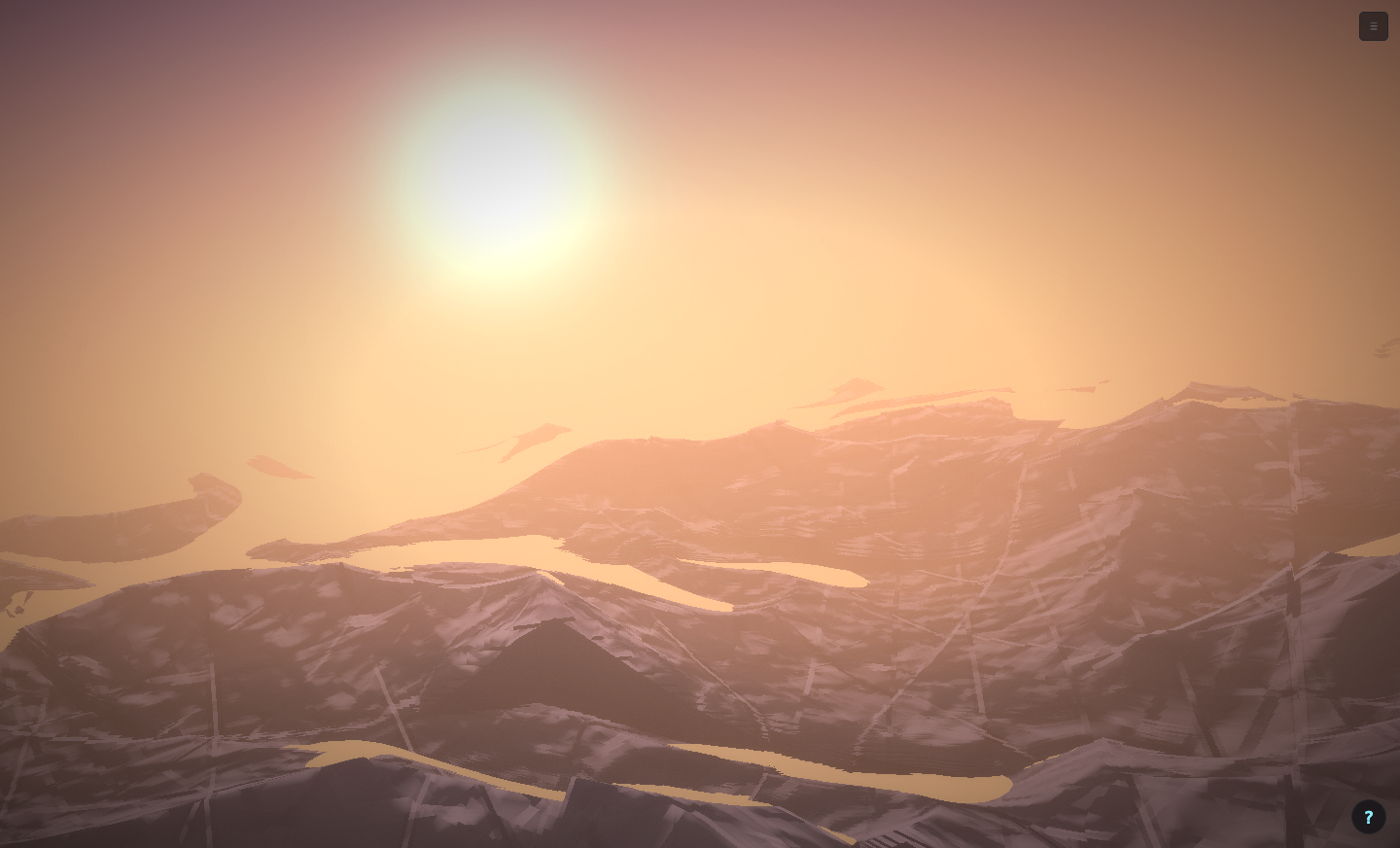
Particles, kaleidoscopes, fractals, and cinematic worlds - all audio-reactive, all running at 60fps.
12 RGB Laser Patterns
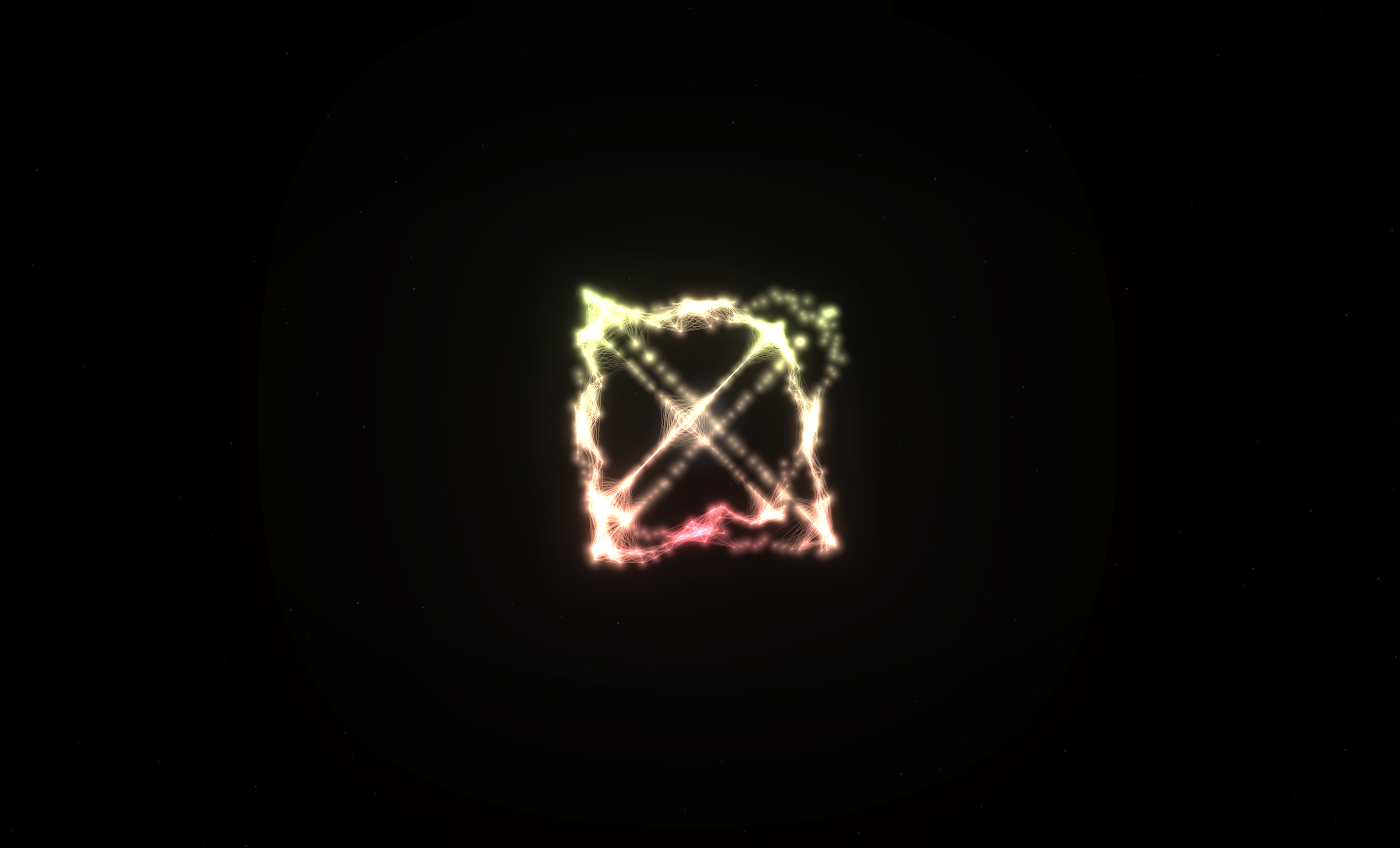
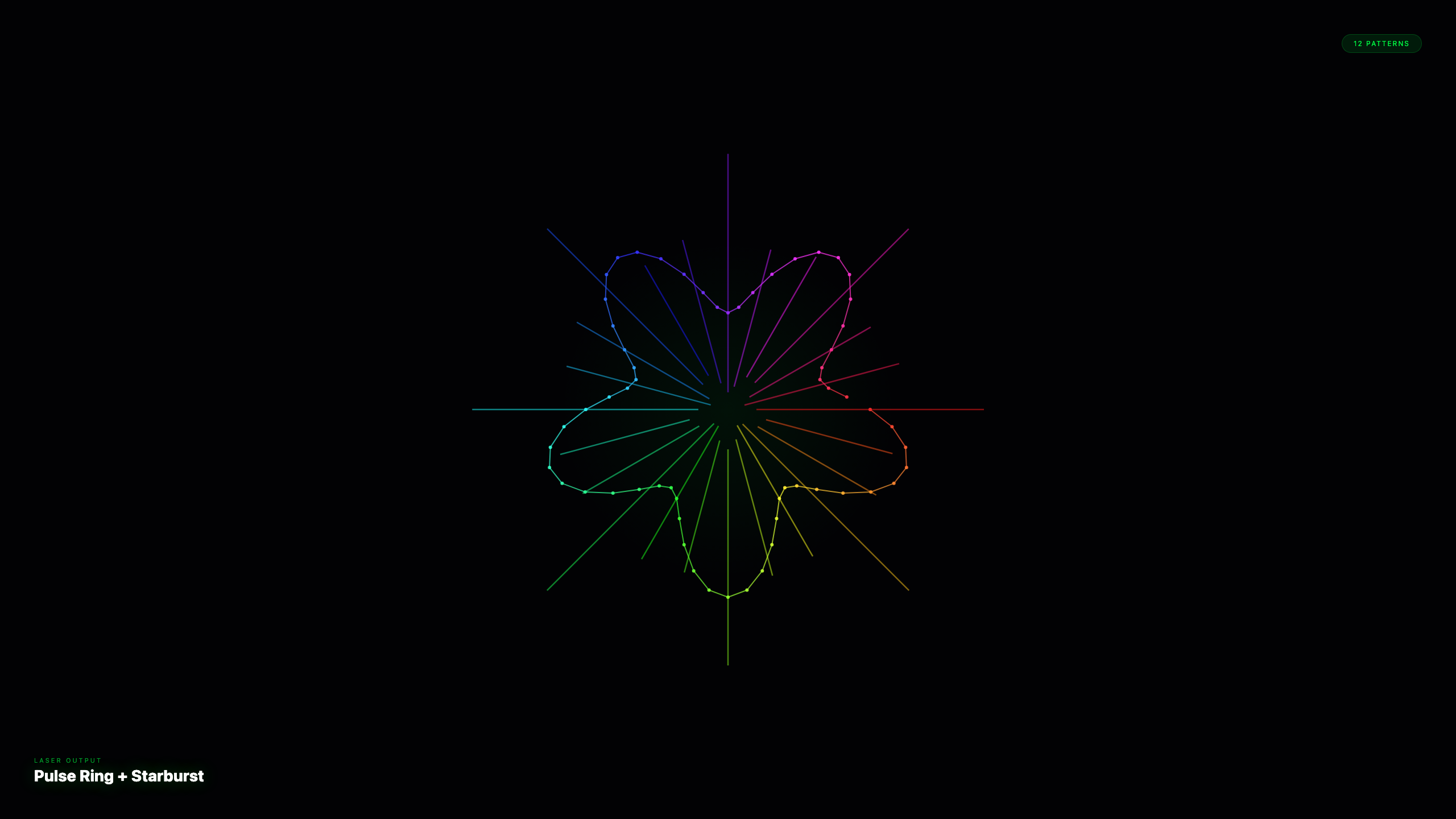
Fully audio-reactive laser output with ILDA, Helios, and EtherDream support. Every pattern morphs with the music in real time.
- Pulse Ring, Starburst, Fractal Spiral, Vortex Tunnel
- True-color ILDA format 5
- Built-in safety zone blanking
- Real-time XY scope preview
Your Phone Becomes the Remote
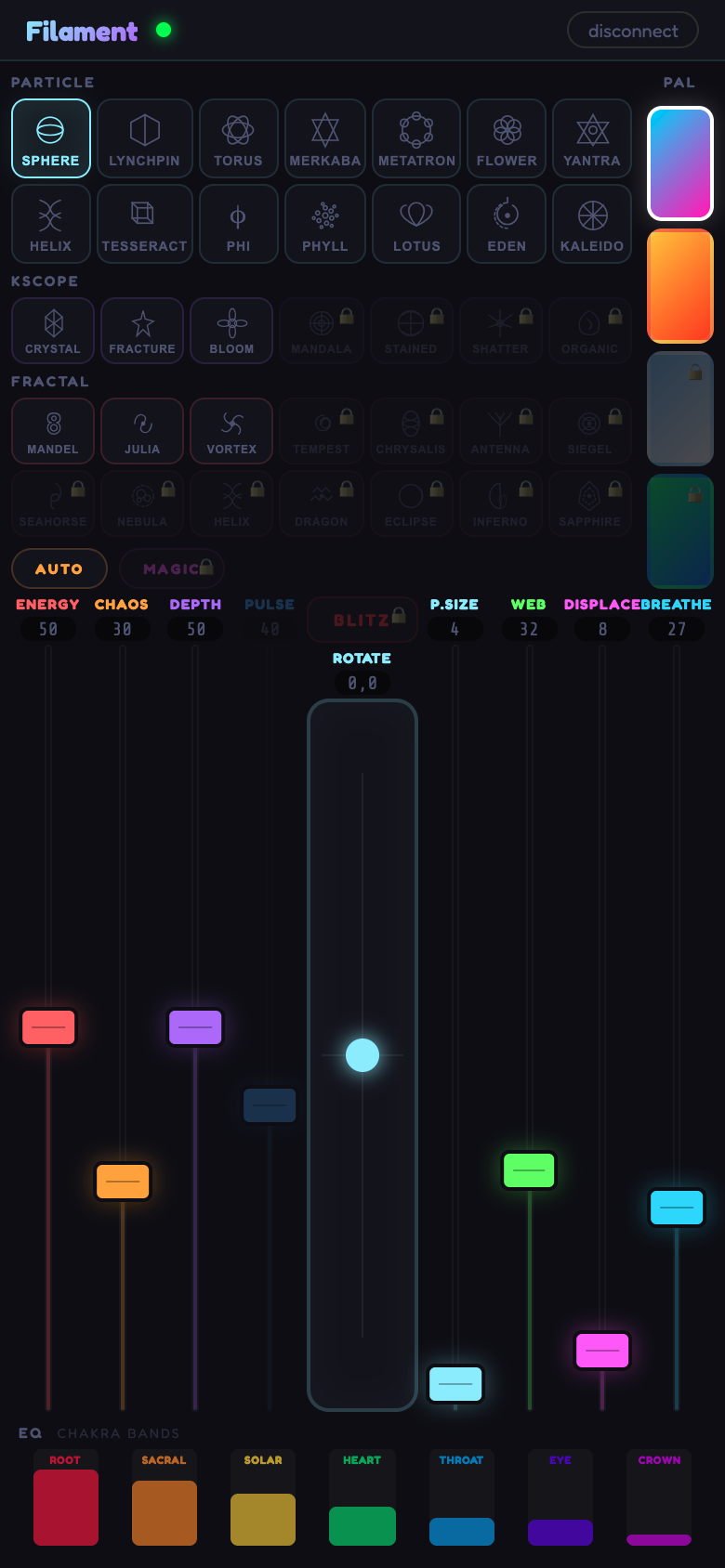
Turn any tablet or phone into a wireless control surface. Touch faders, XY pad, mode switching, chakra EQ - all via WebRTC with zero setup.
- Touch-optimized vertical faders
- Blitz XY pad for instant intensity
- 7-band chakra EQ visualization
- Auto and Magic mode buttons
The Visuals Follow the Decks. Literally.
New in the Studio tier: Filament plugs into the DJ booth's own network - Pioneer Pro DJ Link (CDJ-2000NXS2, CDJ-3000, XDJ, rekordbox) and Denon StagelinQ (SC5000/SC6000/Prime). No more guessing tempo from the audio: the visuals lock to the real BPM, the real downbeat, and the master deck. Designed for large club installs and pro applications - with per-track pre-programmed shows, a beat-locked timeline editor, one-click auto-generated shows, and a built-in practice deck already in the beta.
- Live BPM, playhead, master-deck lock - and mixer faders on Denon rigs
- Timeline editor + auto-generated shows, locked to the track's beat grid
- Listen-only: joins the link network without ever touching the DJ's gear
- Falls back to pure audio-reactive seamlessly if the network drops
- Desktop (standalone) app + Studio license · wired booth ethernet
Beta test: Deck Link is in active beta and evolving fast - expect rough edges and send us what you hit. The built-in practice deck means you can build full shows today, and the audio-reactive show always keeps running underneath.
"The closest thing to a complete show-control rig in a browser. Plug in audio, lights react. That simple."
BUILT FOR DJS, VJS, AND LIVE PERFORMERS · PUBLISHED BY BIGHT
One App. Every Output.
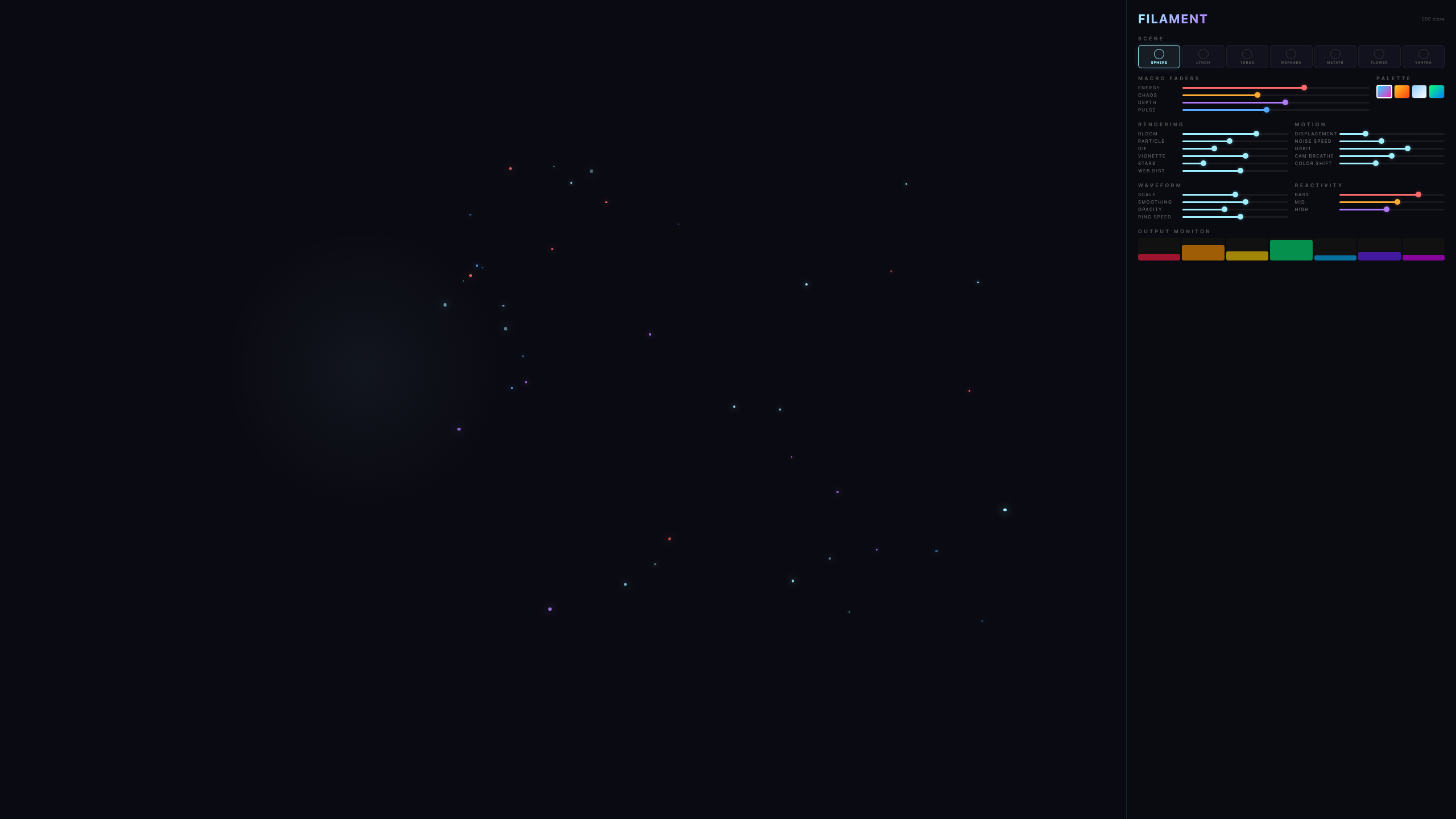
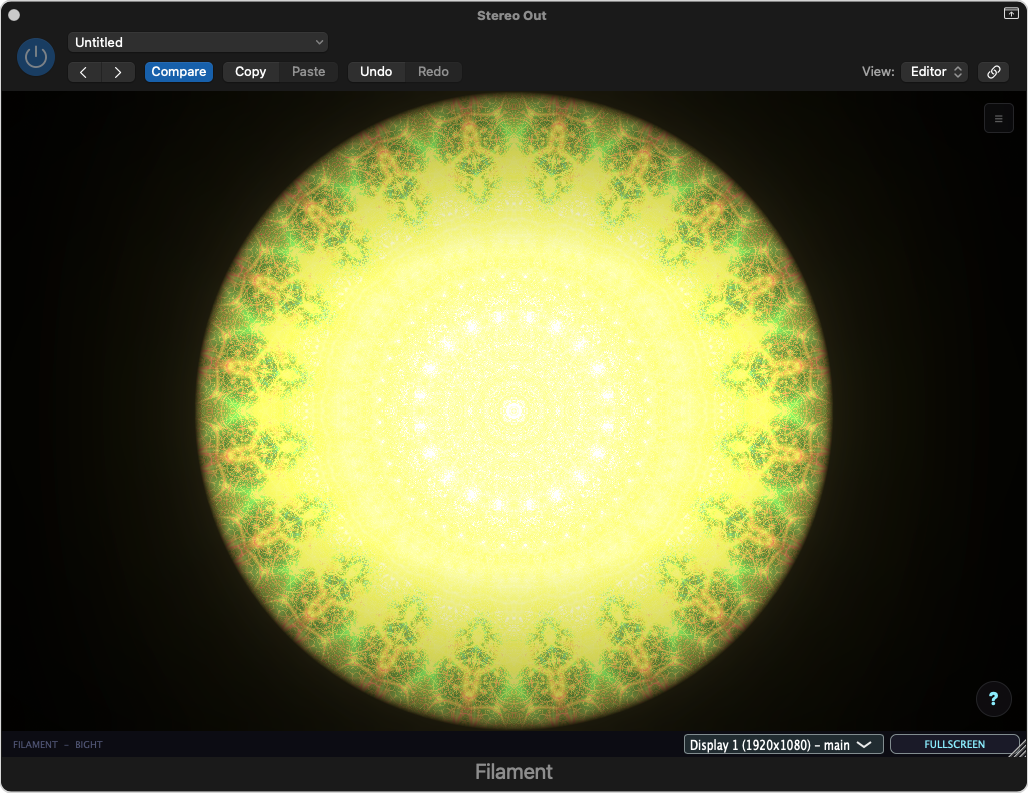
Projection, DMX lighting, lasers, MIDI, and wireless touch control - from a browser tab, a desktop rig, or your DAW's master bus. Below: Filament live on Logic Pro's Stereo Out.
Run It Anywhere
In the browser right now, as a desktop app for your rig, or inside your DAW. Will it run on my device?
Nothing to install. Use Chrome or Edge - MIDI hardware and the remote need them on web. Desktop has no such limits.
Launch NowRemote: phone controller
AU + VST3 for Logic, Ableton, FL Studio. Fully automatable.
Download AU/VST3 Installer (Mac)Mac plugin install: run the installer, pick AU and/or VST3, restart your DAW - Filament appears under manufacturer Bight. Prefer manual? Zip version.
Mac users: macOS will warn you on first open because we have not paid Apple's $99/yr notarization fee yet - we would rather put it into the app. It is a one-time approval. Problems installing? Step-by-step here.
Devices & System Requirements
Honest specs, no fine print. Anything from ~2019 handles it; low-GPU mode covers older kit.
- macOS 11+ (Big Sur or newer, Intel or Apple Silicon)
- Windows 10/11 64-bit
- Linux (Ubuntu 20.04+ / any glibc 2.28+, AppImage)
- Or any browser with WebGL 2 (Chrome, Firefox, Edge)
Recommended: dedicated GPU with 2 GB+ VRAM for full-quality Worlds scenes at 60fps.
- Logic Pro 10.7+ · GarageBand (AU)
- Ableton Live 11+ · FL Studio 21+ (VST3)
- Cubase 12+ · Studio One 6+ · Reaper 6+
- Any 64-bit AU (Mac) or VST3 (Mac/Win) host
- iPhone or iPad on iOS/iPadOS 14+
- Android 10+ (Chrome or Firefox)
- Any second laptop or tablet with a browser
- Both devices need internet; pair by 6-letter code
Straight answer: no, not for gigs. iPads and phones can technically load the web app, but four things make them a bad host - Web MIDI is blocked on iOS, background tabs get suspended mid-set, USB DMX and laser output don't exist in any mobile browser, and heavy Worlds shaders thermal-throttle within minutes.
Their winning role is the wireless controller above - keep the visuals on a laptop or desktop, run the show from your phone.
Start Free. Go Pro When Ready.
The full engine runs free in your browser. Keys unlock the complete show rig.
- 14 sacred geometry modes
- Auto-pilot + tablet controller
- Basic DMX (Art-Net)
- 4 MIDI controls
- All 48 visual modes incl. Worlds
- Magic + Blitz modes, MIDI learn
- Laser output + all DMX templates
- Presets with cloud sync
- Everything in Pro
- Deck Link - CDJ + Denon beat sync + show timeline (beta test)
- All 12 laser patterns
- USB DMX output
- 30-day offline grace for touring
- Commercial license for installations
- Large-scale events + venues
- White-label + your branding
- Custom animations built for you
Go Live Tonight
Filament is out. Start free in the browser, unlock the full rig when you're ready - one key covers web, desktop, and the DAW plugin.
Instant key delivery · no account needed · works offline at gigs · read the manual